

"Designing your document in different ways"
Join Online training Within 1 day
From Your Home (Zoom Application)
DATE: 30 September 2023
Next Incoming Online Training :
October 2023
21 October 2023
November 2023
25 November 2023
December 2023
19 December 2023
Duration
1 Days
time
- 9AM - 6PM
Seats Availability
- 50
Zoom Meeting
Fee
RM 160
- VENUE / PLATFORM

- Meals Provided?
- NO
- PC/Laptop Provided?
- NO
- oUR Instructor

Coach Asyraf
(Microsoft Office Specialist: Expert)
Choose your preference date:
Before you begin
Basic familiarity with using computers.
Language
50% English & 50% Bahasa Melayu
Certification
Certificate of Participation by Training Provider

About this programme
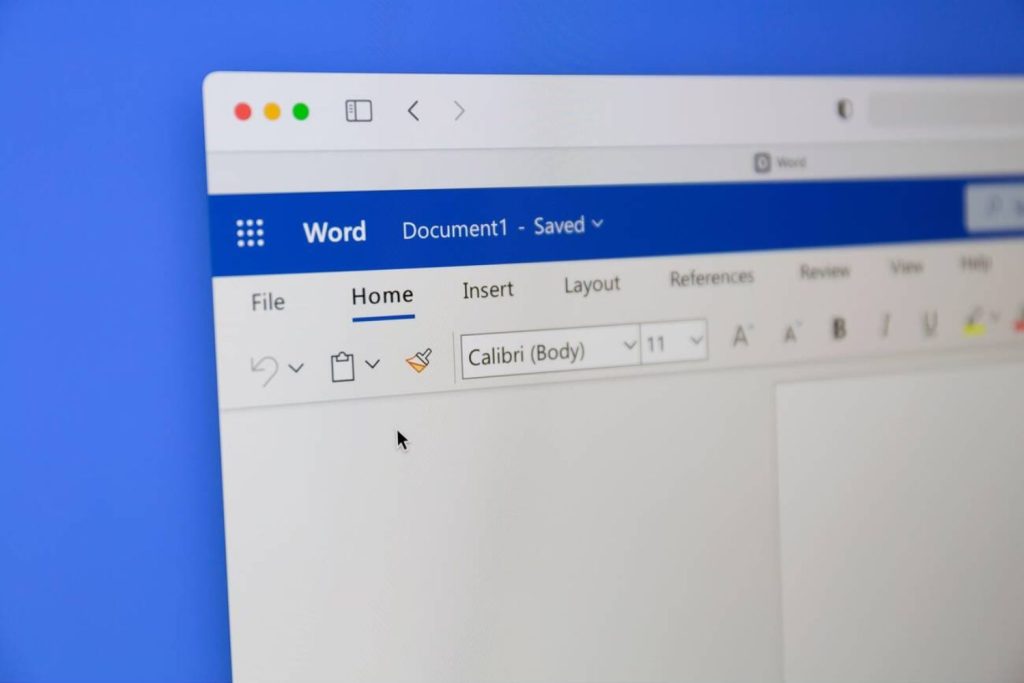
Develop Microsoft Word knowledge through demonstrations, practical tips and techniques in this one-day online course. Progress from essential features towards intermediate and advanced tools for workplace and personal documents.
This session is designed for observation and learning rather than hands-on practice during the training day. Resources support later independent practice, and participants can ask questions during Q&A sessions.
Learning goals
At the end of the Course, participants will be able to:
- Understand the Microsoft Word interface and key terminology.
- Create and format basic documents.
- Efficiently work with text, fonts, and styles.
- Utilize tables, lists, and images effectively.
- Master document layout, including headers, footers, and page numbering.
- Learn to collaborate and review documents using track changes and comments.
- Automate tasks using macros and templates.
- Explore advanced formatting and design options.
- Manage references, citations, and bibliographies.
- Increase productivity with shortcuts and time-saving techniques.
Course Outline & Module

9:00AM – 11:30AM: Basic/Fundamentals Modules
- Program Fundamentals & Getting Started
- Working with Entering and Editing Text
- Formatting Characters and Paragraphs
- Formatting Page
- Page Layout Techniques
- Finalizing Document and Print Options
11:30AM – 3:30PM: Intermediate Modules
- Working with Tabs
- Working with Tables
- Styles Features
- Working with Shapes, Pictures and SmartArt
- Adding Videos
- Mailing Documents
*Lunch Break: 1PM-2PM
3:30PM – 6:00PM: Advanced Modules
- Working With Forms
- Creating Templates
- Document Protection
- Track Changes
- Building A Table of Contents with Styles
- Adding Footnotes and Endnotes
- Working With Citations
- Working With Captions and Cross-References
- Creating an Index
Who this programme suits
This course is ideal for:

Students |Educators

Office Administrators

Entrepreneurs and Business Owners

Government/Business Professionals

Training Packages
e-Books
Exercise Files
Tutorial Videos
Lifetime Group Support
Training Video Recording
How to Register
Register Now
Click on the "Register Now" button on the course page.
Complete Registration Form
Fill out the registration form with your personal details, choose training date and preferred payment method.
Make Payment
Make the payment to secure your spot. Once your payment is confirmed, you'll receive a confirmation email.
Contact Us
Reach out to our registration team via WhatsApp to get link access to WhatsApp group.
*** Note: Course content and schedule are subject to minor adjustments based on the needs and skill levels of participants.
Ready for your next step?
Let’s find the right training for you or your team.
