

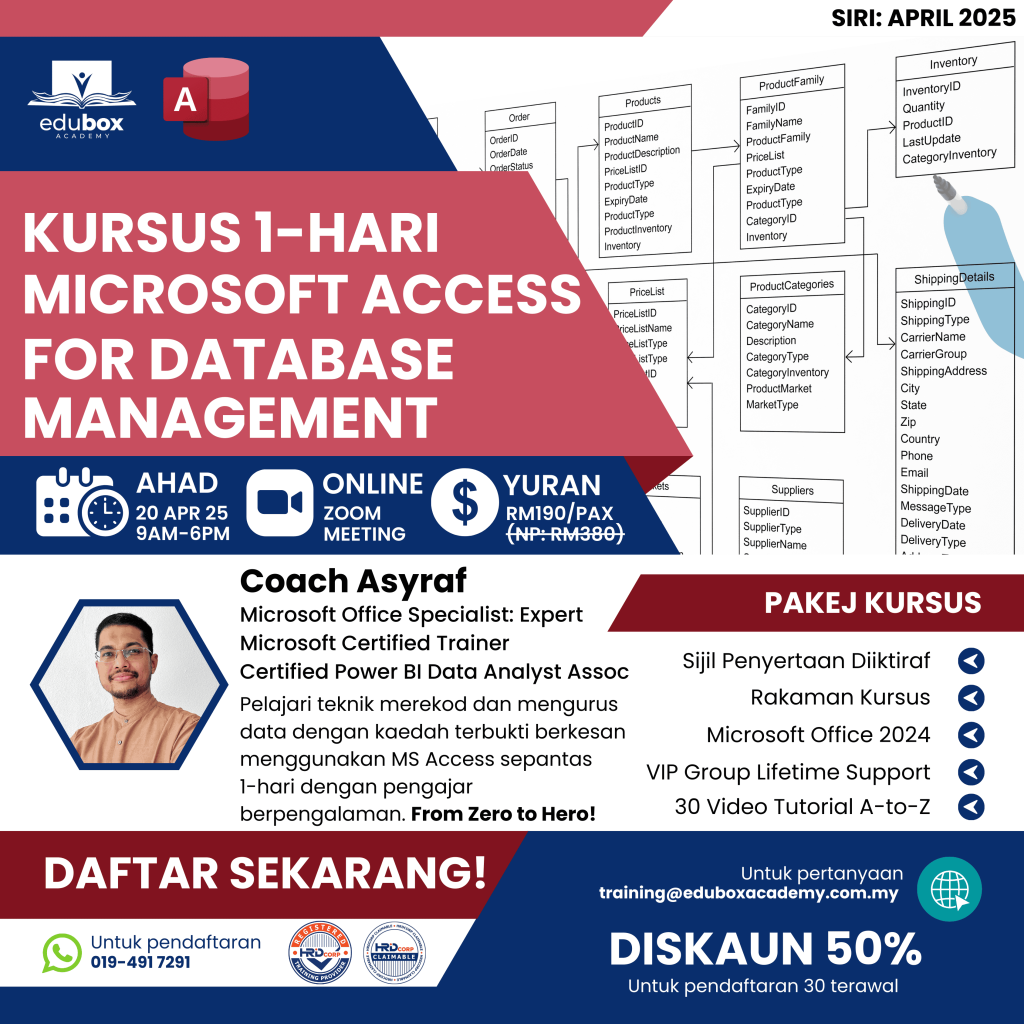
"Master Microsoft Access: Unleash Advanced Capabilities with Expert Training!"
Join Classroom Training Within 1 Day
From Your Home (Zoom Application)
DATE: 20 April 2025 (Sunday)
Duration
1 Day
Time
- 9AM - 6PM
Seats Availability
- 50
in classroom
Individual Fee
RM 190
HRDCorp: RM400
- VENUE / PLATFORM

- Meals Provided?
- NO
- PC/Laptop Provided?
- NO
- oUR Instructor

Coach Asyraf
(Microsoft Office Specialist: Expert) Lead Trainer and Data & Business Intelligence Consultant. Microsoft Office Specialist: Expert (Office 2019 & 365 Apps); Microsoft Certified: Power BI Data Analyst Associate; Microsoft Certified Trainer (2020–2025).
Before you begin
You should be comfortable with Microsoft Office; Excel experience is helpful. Access experience is not required, but an interest in improving data processes and reporting will help you get the most from the session.
Language
50% English & 50% Bahasa Melayu
Certification
Certificate of Participation by Training Provider
About this programme
Build Microsoft Access databases from the ground up in this intensive one-day programme. Progress from basic to advanced tasks through practical work with tables, relationships, reports and database protection.
Learn to organise information, automate recurring tasks and draw useful insights from your data. Develop reliable databases that support smoother operations and better-informed decisions across small projects and larger datasets.
Learning goals
At the end of the Course, participants will be able to:
- Understand fundamental relational database concepts and best practices.
- Build a complete Microsoft Access database from the ground up.
- Design and customize tables with appropriate data types and field properties.
- Establish relationships between tables and maintain referential integrity.
- Create advanced queries to filter, analyze, and manipulate data effectively.
- Develop user-friendly forms for simplified data entry and management.
- Generate professional reports with grouping, sorting, and calculated totals.
- Apply security features to protect sensitive data within the database.
- Perform essential maintenance tasks to optimize database performance.
- Implement database documentation and backup strategies for long-term usability.
Course Tentative

| TIME | MODULES |
|---|---|
| 8:30 AM – 9:00 AM | REGISTRATION |
| 9:00 AM – 9:30 AM | Module 1: Introduction and Fundamental |
| 9:30 AM – 10:00 AM | Module 2: Creating Tables |
| 10:00 AM – 11:00 AM | Module 3: Setting Field Properties |
| 11:00 AM – 12:00 PM | Module 4: Organizing Records |
| 12:00 PM – 1:00 PM | Module 5: Using Queries |
| 1:00 PM – 2:00 PM | LUNCH HOUR |
| 2:00 PM – 3:00 PM | Module 6: Creating Forms |
| 3:00 PM – 4:00 PM | Module 7: Creating Reports |
| 4:00 PM – 5:00 PM | Module 8: Maintaining the Database |
The stated duration is a guide. Your instructor may adjust the topics and pace to match participants’ knowledge and skills.
Who this programme suits
This course is ideal for

Data Analysts

Administrative Staff and Managers

Entrepreneurs and Business Owners

Database Administrators and IT Professionals
Explore the syllabus
MODULE 1: INTRODUCTION AND FUNDAMENTAL
1.1. Building Access Databases
1.2. Relational Database Concepts
1.3. Create the Database File
1.4. All about the Trust Center
1.5. Digging into Ribbon Tabs
1.6. The Database Navigation Pane
1.7. Customize the Quick Access Toolbar
1.8. Create a Database Backup
MODULE 2: CREATING TABLES
2.1. Table Structures and Relationships
2.2. Create a Table and Set Data Types
2.3. Enter Data
2.4. Primary and Foreign Keys
2.5. Working with Access Table Relationships
2.6. Importing Tables
MODULE 3: SETTING FIELD PROPERTIES
3.1. Relationships and Referential Integrity
3.2. Editing Table Structure in Design View
3.3. Control Input with Masks
3.4. Set a Default Value
3.5. Data Validation Rules
3.6. Data Lookup Fields
3.7. Additional Field Properties
MODULE 4: ORGANIZING RECORDS
4.1. Sorting Table Data
4.2. Filtering Table Rows
4.3. Deleting Records
MODULE 5: USING QUERIES
5.1. What are Queries
5.2. The Simple Query Wizard
5.3. Build Queries in Design View
5.4. Establishing Constraints with Criteria
5.5. Specifying Criteria with Wildcards
5.6. Incorporating AND and OR Statements
5.7. Filtering with Mathematical Comparisons
5.8. Create Flexible Queries with Parameters
5.9. Build Expressions
5.10. Obtain Summary Statistics
MODULE 6: CREATING FORMS
6.1. Understand the Role of Forms
6.2. Generate Forms from Tables
6.3. Adjusting Form Elements in Layout View
6.4. Using The Form Wizard
6.5. Form Design View
6.6. Find Records
MODULE 7: CREATING REPORTS
7.1. Introducing Reports
7.2. The Report Wizard
7.3. Edit a Report in Design View
7.4. Edit a Report in Layout View
7.5. Group and Sort Reports
7.6. Creating Calculated Totals
7.7. Apply Conditional Formatting Rules
7.8. Adjust Print Settings
MODULE 8: MAINTAINING THE DATABASE
8.1. Customize Groups in the Navigation Pane
8.2. Compact and Repair the Database
8.3. Examine Database Object Relationships
8.4. Document Your Thought Process
8.5. Print The Blueprint of Your Database
8.6. Split A Database into Front and Back Ends
8.7. Protect The Database with a Password
8.8. Set Startup Options

Training Packages
Course Handbook
Exercise Files
Tutorial Videos
Lifetime Group Support
How to Register
Register Now
Click on the "Register Now" button on the course page.
Complete Registration Form
Fill out the registration form with your personal details, choose training date and preferred payment method.
Make Payment
Make the payment to secure your spot. Once your payment is confirmed, you'll receive a confirmation email.
Contact Us
Reach out to our registration team via WhatsApp to get link access to WhatsApp group.
*** Note: Course content and schedule are subject to minor adjustments based on the needs and skill levels of participants.
Ready for your next step?
Let’s find the right training for you or your team.
