

"Go Beyond the Inbox: Advanced Training for Microsoft Outlook."
Join Classroom Training Within 2 day
at Bangunan Seremban Plaza, Seremban
DATE: 30-31 January 2024
Duration
2 Days
(14 hours)
Time
- 9AM - 5PM
Seats Availability
- 6
in classroom
Fee
RM 600
- VENUE / PLATFORM
- Level 3, Training Room, Bangunan Seremban Plaza, Jalan Dato Muda Linggi, 70100 Seremban, Negeri Sembilan.
- Meals Provided?
- YES
- PC/Laptop Provided?
- NO
- oUR Instructor

Coach Asyraf
(Microsoft Office Specialist: Expert)
Before you begin
Basic familiarity with using computers.
Language
50% English & 50% Bahasa Melayu
Certification
Certificate of Participation by Training Provider

About this programme
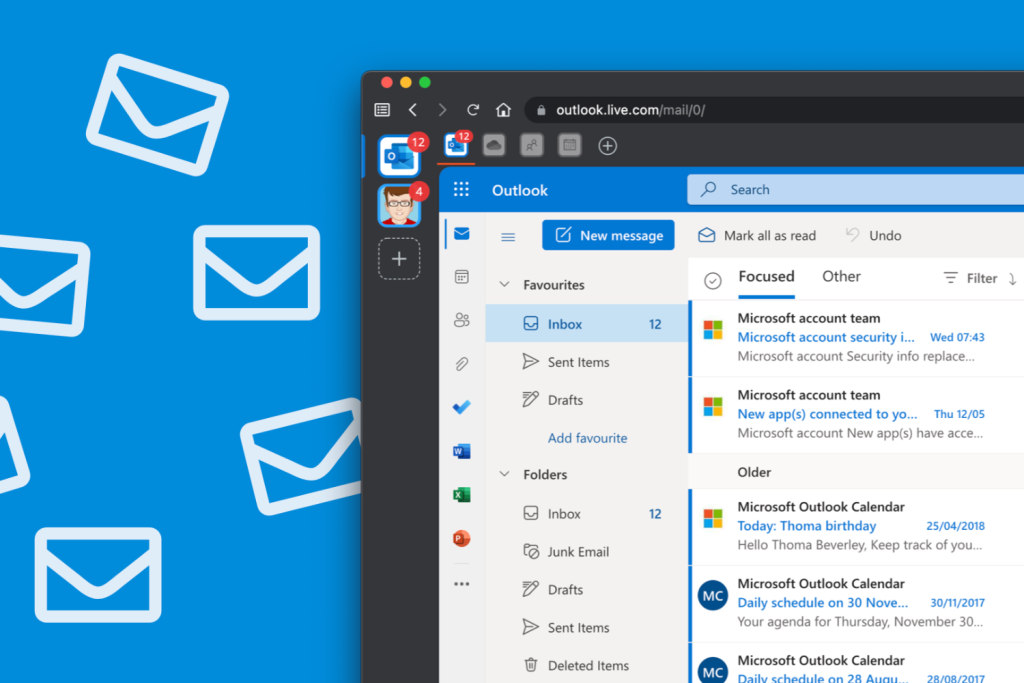
Develop your Outlook skills over two days, from core tools to more advanced workflows. Practise managing email, calendars, tasks and contacts to organise communication and work more efficiently.
Suitable for new Outlook users and those with some experience who want a more organised and productive approach to everyday work.
Learning goals
At the end of the Course, participants will be able to:
- Navigate and customize the Outlook interface for optimal efficiency.
- Manage emails efficiently by organizing, sorting, and filtering messages.
- Create and format emails with advanced features.
- Master calendar management, scheduling, and collaboration.
- Organize and prioritize tasks using Outlook's task management tools.
- Learn how to manage and maintain contacts and contact groups.
- Create and manage tasks and to-do lists.
- Use Outlook's advanced features for automation and efficiency.
- Improve email and information security within Outlook.
- Gain productivity-enhancing tips, troubleshoot common issues, and learn time-saving techniques.
Course Outline & Module

Day 1: Basic and Intermediate Modules
Morning: Basic Modules
- Navigating the Interface
- Composing E-Mail Messages
- Sending & Receiving E-Mails
- Organizing E-Mail
- Message Layout & Reading Options
- Contacts
Afternoon: Intermediate Modules
- Calendar
- Scheduling Meetings
- Tasks
- Notes, Recall & Attachments Size
- E-Mail Message Options
- Insert Advanced Characters & Objects
- Locating Outlook Items
Day 2: Advanced Modules
- Advanced Calendar Settings
- Journal
- Managing Tasks
- Sharing Folders
- Personalizing E-Mail
- Organizing Outlook Items
- Managing Data Files
- Advanced Contacts
- Save & Archive
- Offline & Data Profile
Who this programme suits
This course is ideal for

Students and Educators

Office Administrators

Entrepreneurs and Business Owners

Business Professionals

Training Packages
Course Handbook
Exercise Files
Tutorial Videos
Lifetime Group Support
How to Register
Register Now
Click on the "Register Now" button on the course page.
Complete Registration Form
Fill out the registration form with your personal details, choose training date and preferred payment method.
Make Payment
Make the payment to secure your spot. Once your payment is confirmed, you'll receive a confirmation email.
Contact Us
Reach out to our registration team via WhatsApp to get link access to WhatsApp group.
*** Note: Course content and schedule are subject to minor adjustments based on the needs and skill levels of participants.
Ready for your next step?
Let’s find the right training for you or your team.
