

"Empower Your Document Expertise"
Join Online training on
Date: 19 / 08 / 2023
Day: Saturday
Duration
1 Days
Time
8am-6pm
rest on 1pm-2pm
Fee
RM 119
- PRE-REQUISITES
Basic Microsoft Word Knowledge & Familiarity with the basic features of Microsoft Word, such as opening, saving, and formatting a document.
- VENUE / PLATFORM

- APPLY NOW
About this programme
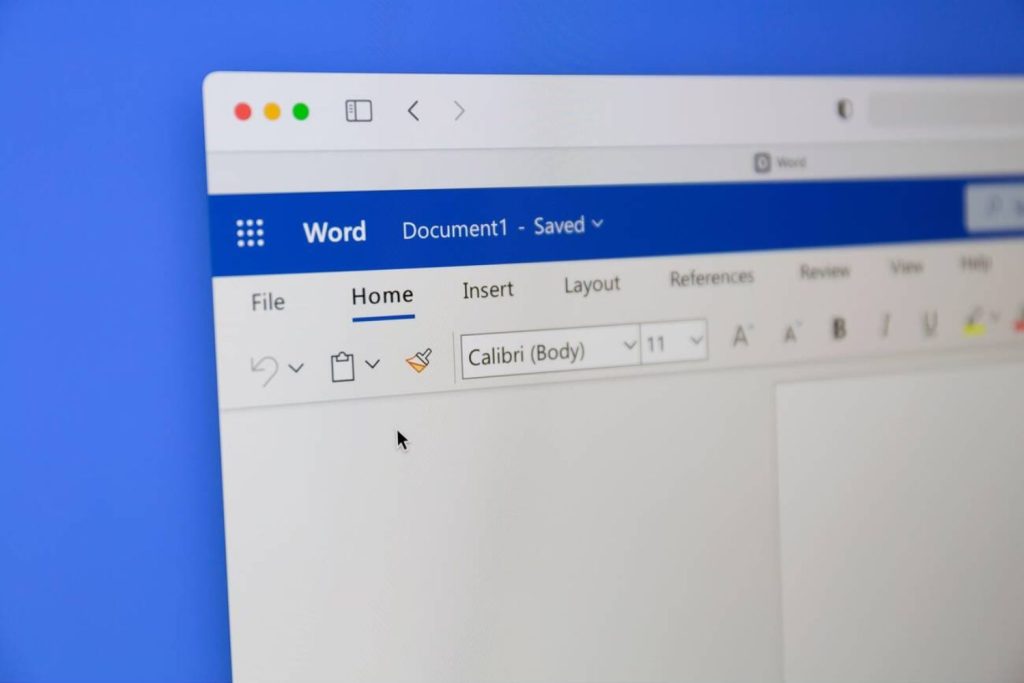
Develop more confident document creation and collaboration in Microsoft Word. This programme builds on the basics with practical ways to produce professional documents and improve workflows.
Explore intermediate tools and features that make everyday word-processing tasks more efficient.
Learning goals
At the end of the course, you will be able to
- Recognize basic features of Word to navigate, browse and view a document
- Edit text and manipulate text into various positions on your document
- Format characters, paragraphs and pages
- Apply various Word themes and styles to your documents
- Enhance your documents with shapes, pictures, SMART arts and tables
- Set up your main document, data source and insert merge fields for mail merge
Course Outline & Module

- Working with Tabs
- Working with Tables
- Styles Features
- Working with Pictures
- Adding Videos
- Mail Merge
Who Should Attend Microsoft Word Intermediate?
Designed for people with basic Word knowledge who want to extend their skills beyond introductory tasks.

Students

Office Workers

Entrepreneurs and Small Business Owners

Administrative Staff
Training Packages
Certificate of Completion Provided
Participants will receive a Certificate of Completion on the last day of training.

Personalised Mentorship
Get a knowledgeable mentor who guides your learning and is focused on answering your questions, motivating you and keeping you on track.

Follow Up Training
Participants are entitled to one free follow-up training session, scheduled later to reinforce their learning.
Ready for your next step?
Let’s find the right training for you or your team.
